Estimate apparent age from one photo
Upload a selfie or portrait and get an AI estimate based on the visible face in that specific image. Use it for curiosity, profile-photo comparisons, and exploring how presentation changes perceived age.
Upload one clear face photo to estimate apparent age with AI. The result describes how old the face looks in this image, not a verified birth date or legal-age decision.


or drop a file, Ctrl + V to paste an image
The age estimator keeps the upload and result flow near the top, then explains the inputs, output, accuracy limits, and responsible use in plain language.
Upload a selfie or portrait and get an AI estimate based on the visible face in that specific image. Use it for curiosity, profile-photo comparisons, and exploring how presentation changes perceived age.
An age estimator reads visible patterns in pixels. It does not know a birth date, identity document, medical history, or biological age, so the result belongs to the photo rather than defining the person.
Lighting, angle, expression, blur, filters, makeup, facial hair, and face size can all change the result. A clear explanation of these limits makes the number easier to interpret.
An AI age estimator can only use the visual information in the uploaded image. Framing and light usually matter more than adding extra effects or trying to make the photo look perfect.
A single portrait works better than a group photo, a distant subject, or a sharply cropped profile. Keep the face large enough for the eyes, skin texture, jawline, and expression to remain visible.
Balanced daylight or gentle indoor light usually gives a steadier estimate than strong backlight, harsh side shadows, overexposure, or a very dark room.
Beauty filters, skin smoothing, sunglasses, masks, hats, hair across the face, and aggressive retouching can hide or change the cues the estimator uses.
The estimator evaluates the image, not a permanent identity. A bright selfie, a low-light webcam frame, and a studio portrait can expose different visual cues and produce different apparent-age estimates for the same person.
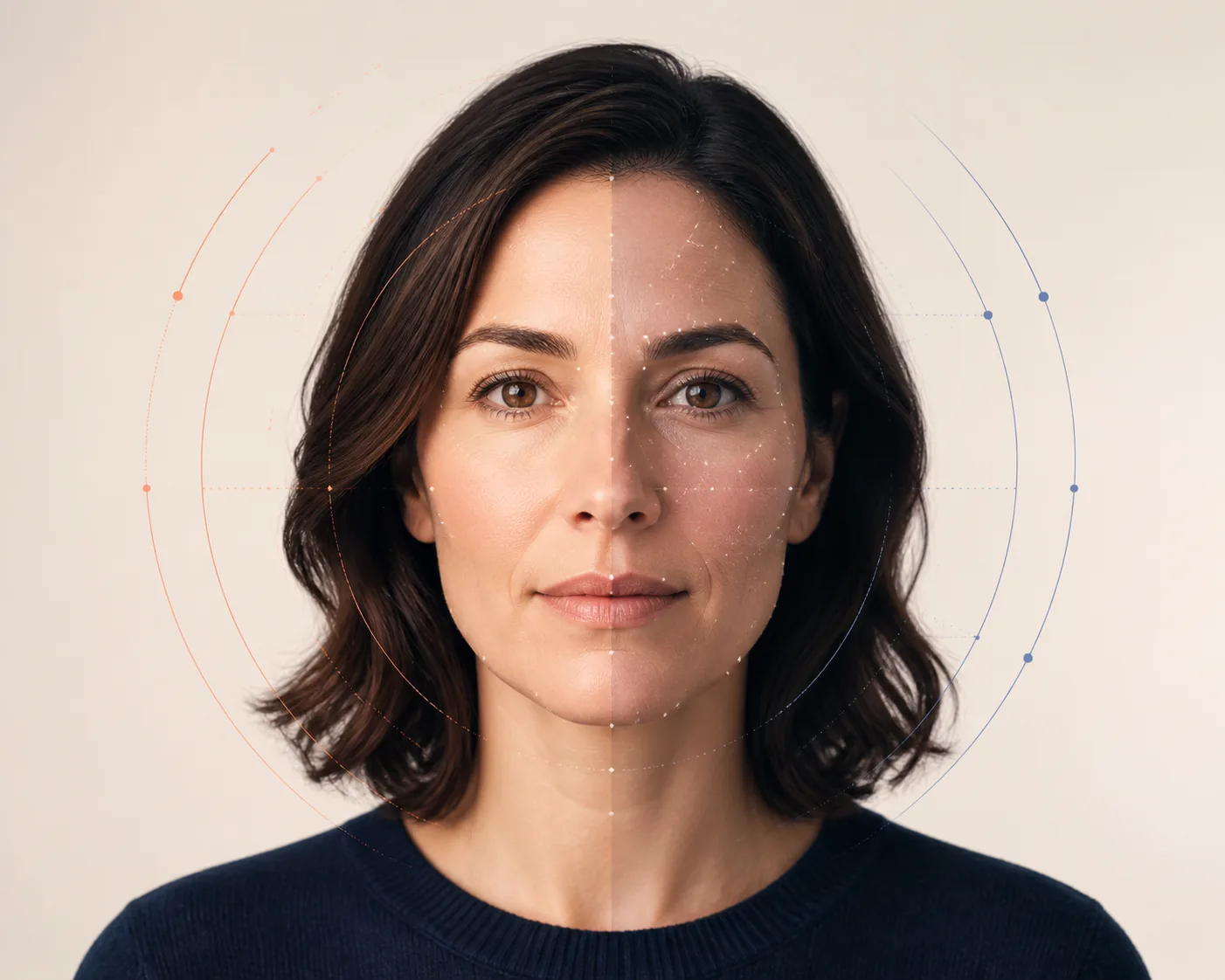
Pick a clear image with one visible face, natural framing, and minimal obstruction. A recent photo makes the result easier to compare with how you look now.
The tool checks the detected face, image quality, facial landmarks, contours, expression, and other visible patterns before returning an estimate.
Use the number as a visual estimate for this photo. Try another well-lit image if you want to compare presentation, and do not treat the result as proof of age.
These labels overlap in casual searches, but they describe different page intents. This page focuses on estimating apparent age from a photo, while other tools and workflows may focus on detection, date arithmetic, or formal verification.
An age estimator gives a visual approximation based on the face shown in one image. It is useful for curiosity and photo comparison, but it cannot see a birth certificate or confirm identity.
A detector may emphasize finding a face and reading visible cues, while a calculator can mean either a photo-based estimate or a chronological calculation from a birth date. Check the page intent before choosing a tool.
Formal verification may require consent, identity checks, documents, audit trails, and jurisdiction-specific controls. A casual photo estimator is not a substitute for those systems.
If a result feels surprising, review the photo before assuming the model or the number is definitive.
Use the page that matches the question you actually want answered. Keeping these intents separate helps avoid treating an apparent-age estimate as a different kind of age result.
Use this page when your main question is how old a visible face appears in one image and what can change that estimate.
Use the AI age estimatorOpen the photo-focused tool when your query is specifically about uploading one picture and getting a quick age guess.
Guess my age from a photoUse the face detector page when you want more explanation about visible face cues, photo quality, and the boundary between estimation and verification.
Explore the face age detectorUse the regular age calculator when you have a birth date and need date-based age arithmetic rather than an image estimate.
Calculate age from a birth dateChoose an age estimator for apparent age in a photo, a face age detector for facial-cue context, and a chronological age calculator for date-based math. None of these casual pages should be used as legal or identity verification.
These references support the page's careful wording about image quality, facial age estimation, and the difference between perceived age and formal verification.
NIST evaluates face analysis technology for age estimation and verification, including performance differences across image quality and demographics.
NIST explains why age-estimation performance is nuanced and why no single algorithm is best across every evaluation area.
This survey describes how pose, lighting, expression, occlusion, and image quality affect facial age prediction.
An AI age estimator is a photo-based tool that predicts how old a visible face appears. It uses learned visual patterns such as facial proportions, skin texture, contours, expression, and image quality to produce an apparent-age estimate.
No. It estimates apparent age in the uploaded image. Your chronological age comes from your birth date, and a photo-based estimate cannot verify identity, documents, or biological age.
The result depends on the person and the image. A clear, front-facing portrait with even light usually gives a steadier estimate than a blurry, filtered, side-angle, low-light, or heavily edited photo. Treat the number as an approximate visual result.
Use one recent portrait with a visible face, soft light, natural expression, and minimal obstruction. Avoid sunglasses, masks, heavy smoothing, strong blur, and photos where the face is very small.
Each photo exposes different visual cues. Lighting, lens distance, angle, smile, makeup, facial hair, fatigue, filters, and compression can all change how old a face appears.
The page is designed for a simple no-sign-up flow: upload a photo, start the analysis, and read the apparent-age estimate. Do not upload an image you are not comfortable processing.
No. A casual photo estimate should not be used for legal age checks, identity checks, access control, employment, medical, financial, or safety decisions. Formal verification requires a different, controlled workflow.
A blurry, tiny, partly hidden, or group-photo face may produce an unstable result or fail the analysis. Use a well-lit image with one unobstructed face and try again if the first photo is not suitable.